
For a popular WordPress site with comments enabled, comment spam is one of the worst nightmares for an administrator. When you add to it other forms of spam a site receives, it becomes too much. What you desperately need is a good WordPress antispam plugin. There are around a dozen of them. Here are five free plugins I consider the best.
1. Akismet
Akismet by Automattic is included by default in WordPress. When you install WordPress, Akismet is already there. However, in order to use it, you need to get an API key. If you plan to use Akismet for personal and non-commercial use for up to 50,000 comments a month, it’s free. For commercial uses and/or more checks, there are paid plans.
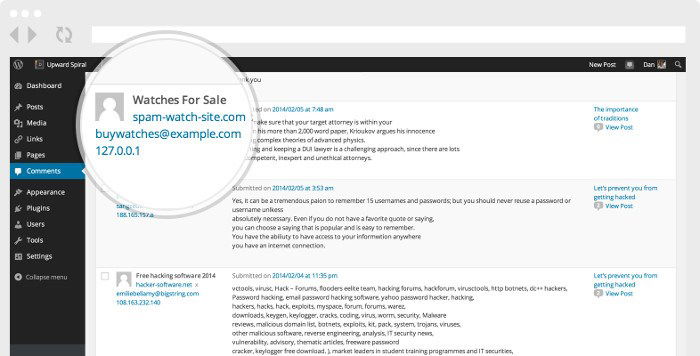
When a new comment is submitted to your site, it’s automatically sent to Akismet’s cloud servers where it’s checked. If the algorithm determines the comment is spam, it’s moved to the Spam category. If the comment is determined to be clean, it’s published right away. If it’s in between, the comment goes to the moderation queue for you to decide what to do with it.
2. WP-SpamShield
WP-SpamShield is another great WordPress antispam plugin. It’s especially useful if you are struggling with tons of bot-generated spam but are reluctant to add a captcha because your human visitors will hate it too.
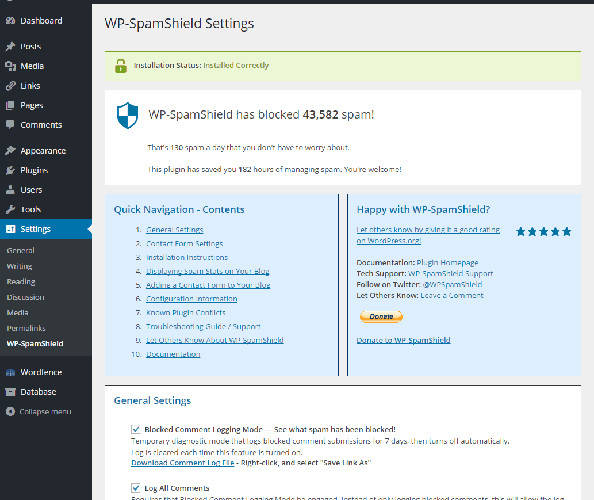
WP-SpamShield uses two levels of protection. The first, the JavaScript/Cookies level, deals with bots, while the Algorithmic level of protection uses more sophisticated approaches to deal with both bots and human spammers. You can use WP-SpamShield to eliminate comment spam, contact form spam, registration spam, trackback spam, pingback spam, and almost any other type of WordPress spam you can think of.
Note: WP-SpamShield is no longer free and listed in the WordPress Plugin repository. You can get it from CodeCanyon.
3. WordPress Zero Spam
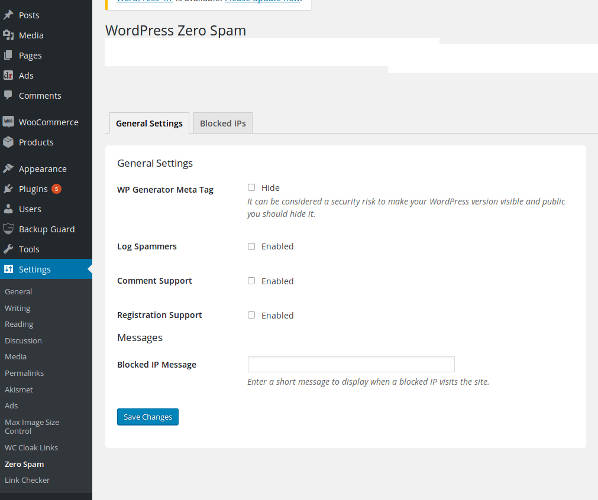
The best thing about WordPress Zero Spam is that you don’t need an API key or complex configuration in order to use it. It’s great for comment and registration spam. You can log spammers and blog IPs. This plugin doesn’t have all the perks and power of other plugins, but as a quick and dirty solution it’s just fine. It works with Contact Form 7, Gravity Form, Ninja Forms, and BuddyPress.
4. Spam Protection by CleanTalk (no Captcha Anti-Spam)
Spam Protection by CleanTalk (no Captcha Anti-Spam) comes with more features, but it also comes with a free trial and then an $8 per year price tag. You can monitor spam in comments, registration, contact form, WooCommerce orders, newsletters, landing pages, etc. It really does provide a more thorough protection – way beyond just the most common comment spam, so if you need a professional solution, this plugin is probably your best option.
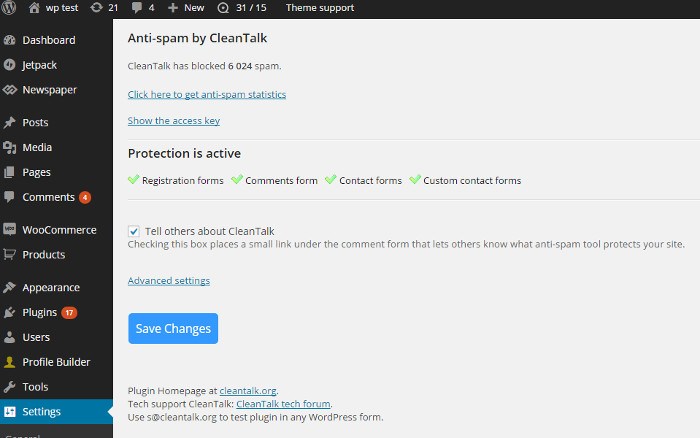
Similar to Akismet, it uses a cloud-based service to evaluate spam, but in addition to this you can create your own blacklists. You can create blacklists by email, IP, country, etc. You can also add your own “stop words” to the list, so if there are particular words you frequently encounter in spam comments, you can easily deal with them.
5. Antispam Bee
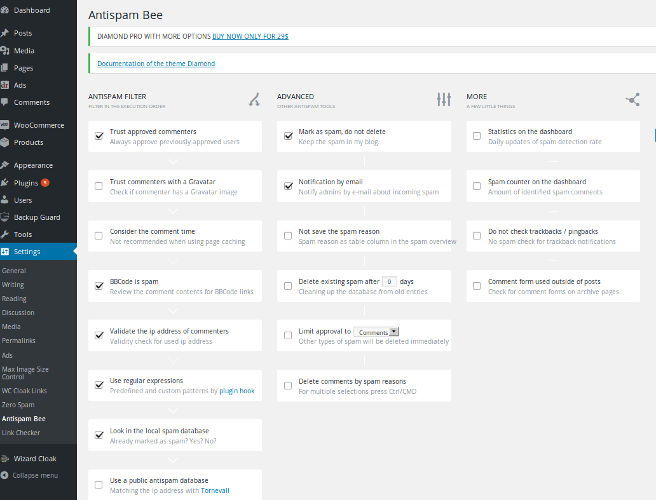
If comment spam is your main worry and you don’t need a more complex solution, try Antispam Bee. It’s a free plugin with no ads. This plugin doesn’t come with bells and whistles, but it has all the nice features you need – e.g. ability to trust approved commenters, match against a public anti-spam database, use regular expressions to more precisely set spam criteria, etc. It also shows statistical data so that you know how you are doing in your fight with spam.
If for one reason or another none of these plugins are good enough for you, there are some more I didn’t include. You can search for other antispam plugins and see if you like them more, but basically the ones I didn’t list either have similar features or have fewer features than these. In some cases the omitted ones haven’t been updated in years, and even if they somehow work with the latest versions of WordPress, I don’t recommend using them unless you really have to.